UI/UX case study
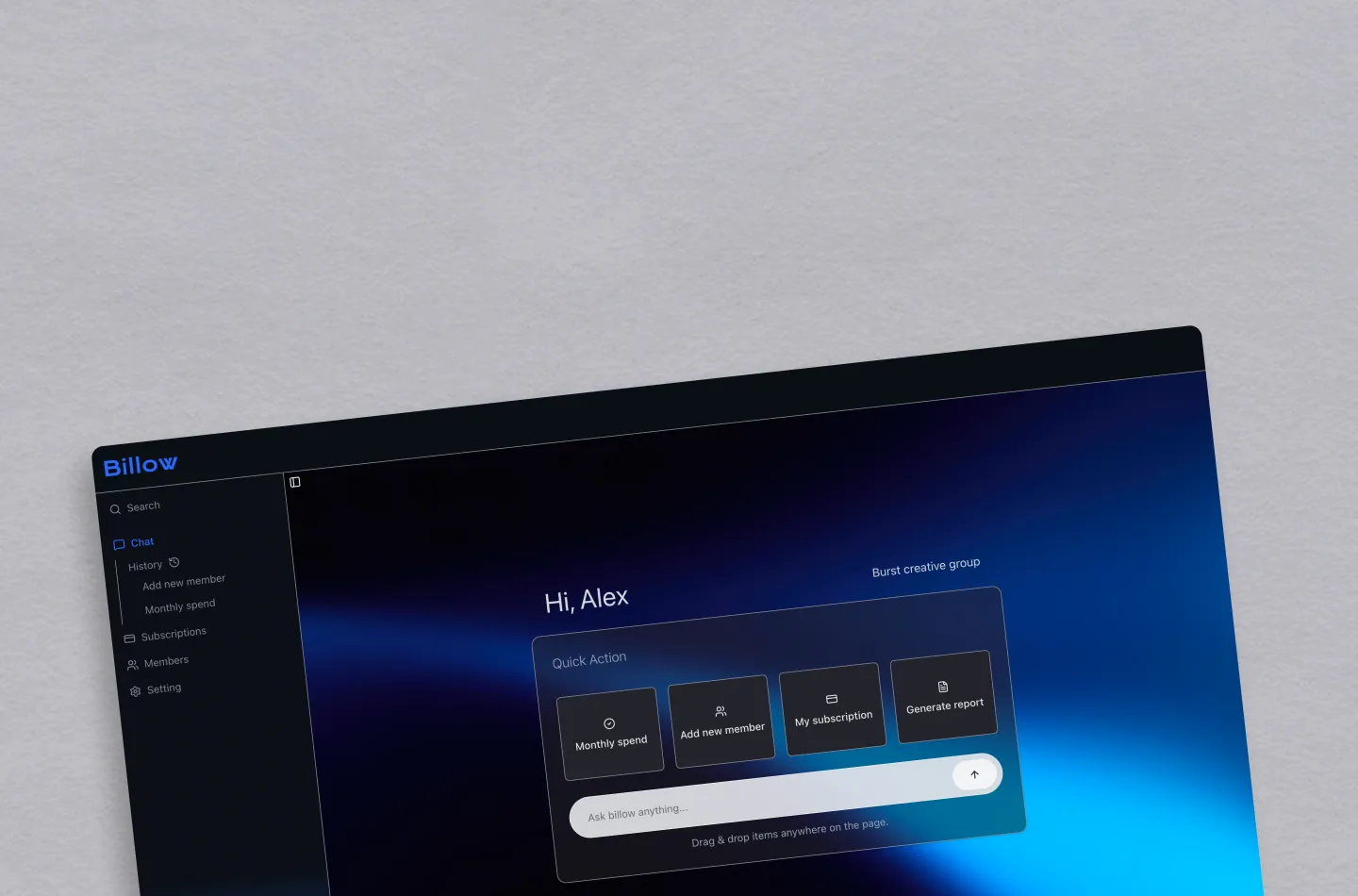
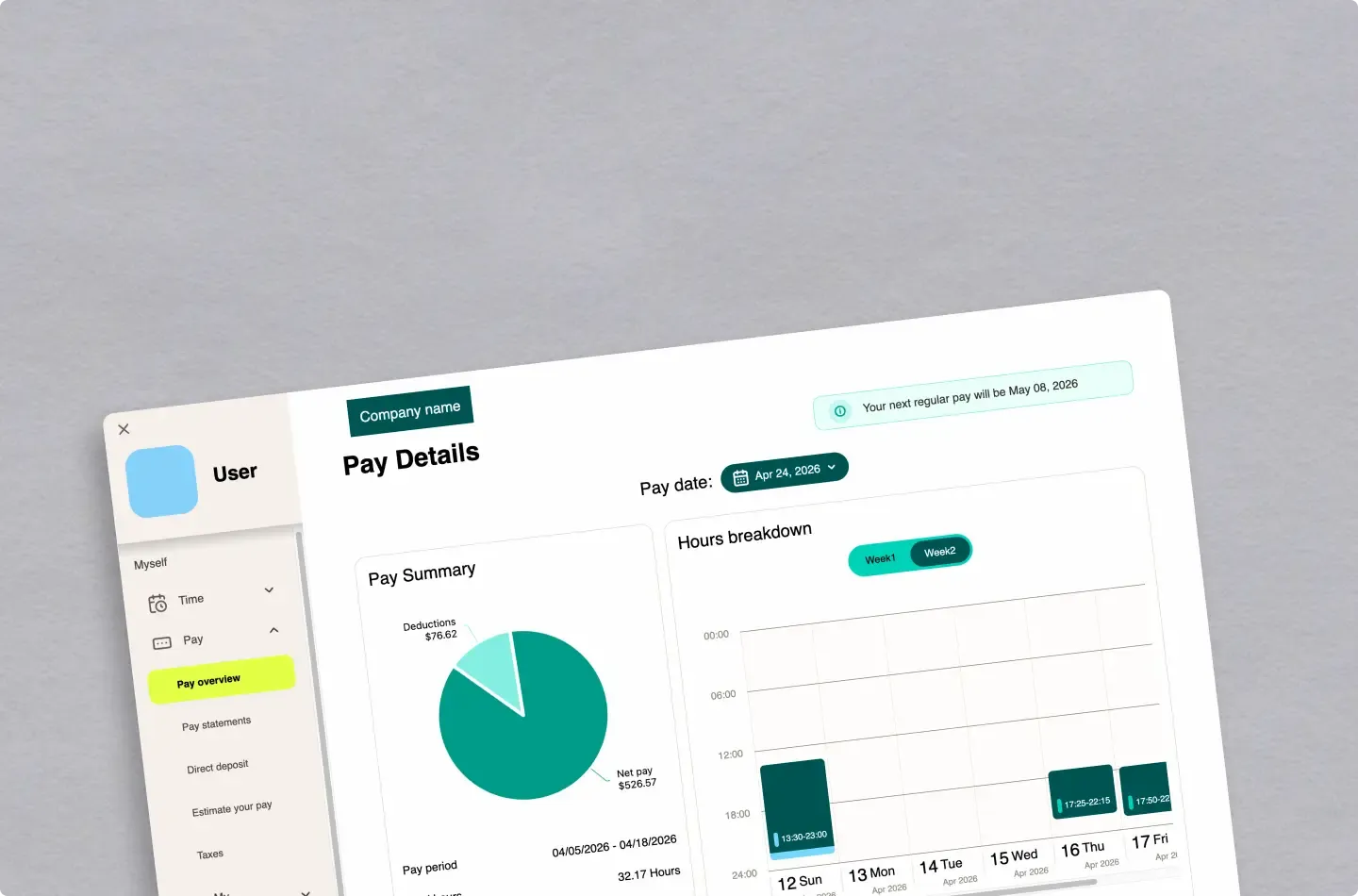
UKG Payroll Verification Redesign
Researched and redesigned the payroll verification experience for UKG, based on real user interviews and feedback
Learning frontend fundamentals by rebuilding a food blog from vanilla JavaScript to React and Next.js.
TASTEBUDS began as a social media marketing project with my classmates, a food blog featuring restaurants and cafés in Vancouver.
At first, I had not learned React yet, so I built the site using HTML, CSS (Sass), and vanilla JavaScript. As development progressed, I wanted a more efficient workflow, which led me to learn React and Next.js. I also redesigned the UI in Figma and rebuilt the project from the ground up.
For the MVP, I built the project using fundamental web technologies. As I manually created blog cards with static HTML, I started to wonder, “Is there a more efficient way to replicate these?” This question led me to explore building a reusable structure using built-in browser features to dynamically generate content. This approach reduced repetition and improved scalability.
Using Vanilla JavaScript and the <template> element, I built a reusable card component.
  export const posts = [
  {
    img: "https://picsum.photos/200/300",
    imgAlt: "City night view",
    title: "Exploring Vancouver at Night",
    excerpt: "A short walk through downtown Vancouver after sunset. Neon lights and quiet streets.",
    location: "Vancouver, BC",
    date: "2026-02-01",
    url: "https://example.com/article/vancouver-night"
  },
  {
    img: "https://picsum.photos/seed/picsum/200/300",
    imgAlt: "Mountain landscape",
    title: "Weekend Hiking Escape",
    excerpt: "A refreshing hike just outside the city. Perfect for a quick weekend reset.",
    location: "North Vancouver, BC",
    date: "2026-01-28",
    url: "https://example.com/article/hiking-escape"
  },
  {
    img: "https://picsum.photos/200/300?grayscale",
    imgAlt: "Cafe interior",
    title: "Hidden Cafés You Should Know",
    excerpt: "Three small cafés with great coffee and calm vibes for focused work.",
    location: "Burnaby, BC",
    date: "2026-01-20",
    url: "https://example.com/article/hidden-cafes"
  }
];
}, <template id="tpl-card">
<article class="card">
<figure>
<img class="tpl-img" src="" alt="">
</figure>
<div class="text-container">
<h3 class="tpl-title"></h3>
<p class="tpl-excerpt"></p>
</div>
<footer>
<div>
<p class="tpl-location"></p>
<p class="tpl-date"></p>
</div>
<div>
<a class="tpl-url" href="">Read</a>
</div>
</footer>
</article>
</template>import {posts} from "/data.js";
posts.forEach(post => {
const tplCard = document.getElementById("tpl-card");
const content = tplCard.content.cloneNode(true);
content.querySelector(".tpl-img").src = post.img;
content.querySelector(".tpl-img").alt = post.imgAlt;
content.querySelector(".tpl-title").textContent = post.title;
content.querySelector(".tpl-excerpt").textContent = post.excerpt;
content.querySelector(".tpl-location").textContent = post.location;
content.querySelector(".tpl-date").textContent = post.date;
content.querySelector(".tpl-url").href = post.url;
document.body.appendChild(content)
});Through the MVP, I learned the basics of DOM manipulation, reusable UI design, and separating structure, data, and styles.
At the same time, state management became complex, routing was hard to maintain, and the architecture didn’t scale well.
This led me to rebuild the project with Next.js.
To improve the scalability of the project, I redesigned the application using React and Next.js. The UI was rebuilt as React components, allowing the interface to be generated declaratively from data. I also introduced Next.js to better organize the page structure and implement routing for individual posts, resulting in a more maintainable and extensible architecture.
In the MVP, blog content was stored as a front-end data array. While this worked for an early prototype, it required manual updates whenever a new post was added, which made content management less efficient as the project expanded.
This led me to rethink how post data should be handled. To create a more scalable structure, I separated content from the application code and migrated post management to Supabase.
This made the workflow easier to maintain and created a foundation that could later evolve into a CMS-like system.
export type PostCard = {
  id: string;
  slug: string;
  title: string;
  excerpt: string | null;
  published_at: string | null;
  cover_image_path: string | null;
};export async function getAllPosts(): Promise<PostCard[]> {
const { data, error } = await supabase
.from("posts")
.select("id, slug, title, excerpt, published_at, cover_image_path")
.order("published_at", { ascending: false });
if (error) {
console.error("Failed to fetch posts", error);
return [];
}
return data ?? [];
}Based on this structured data, UI components can dynamically generate blog cards and article pages.
The UI was rebuilt using reusable React components. Post data is passed into card components to generate article cards, creating a structure that can easily scale as more content is added.
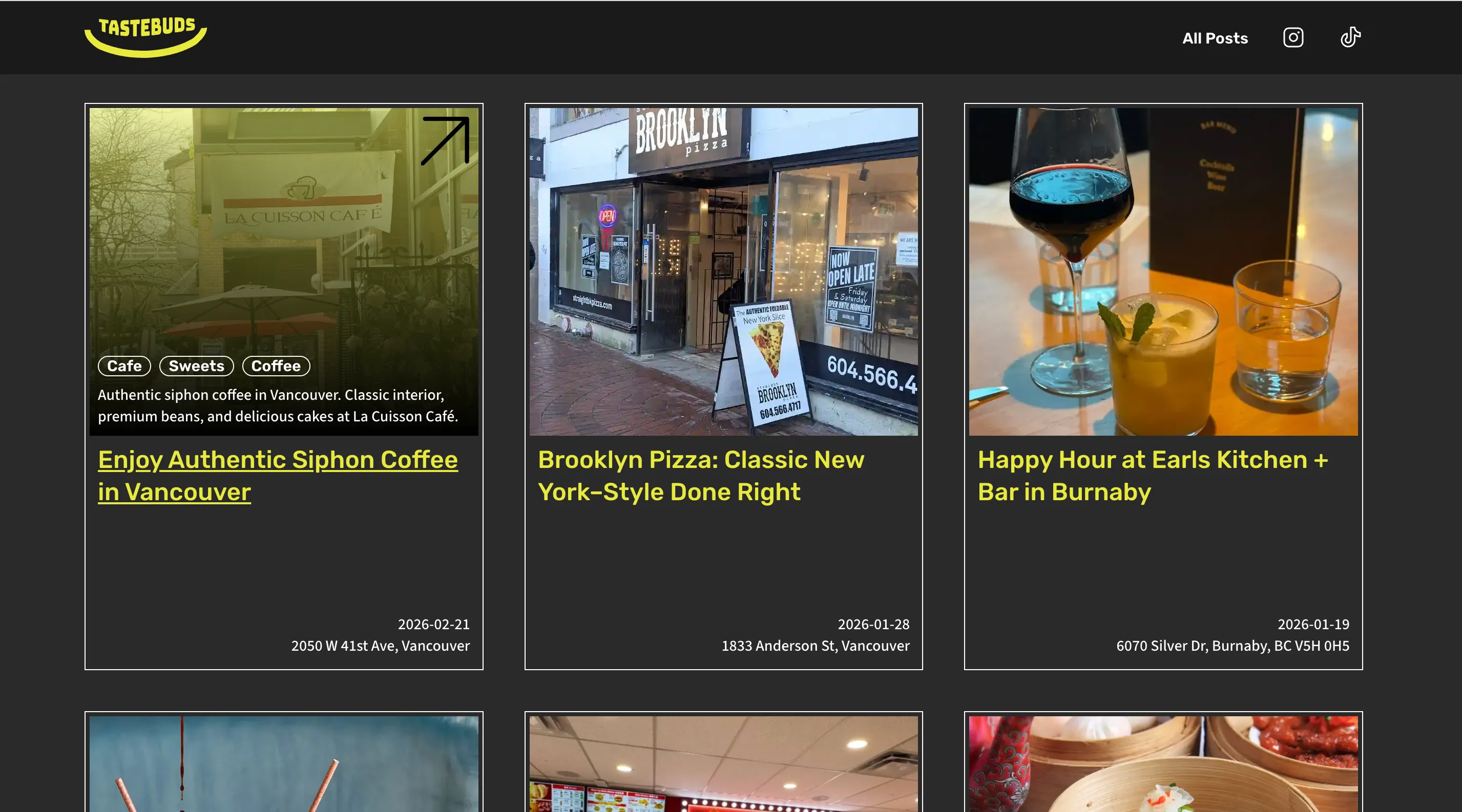
To highlight the latest articles, the homepage selects specific posts from the dataset and displays them in a curated layout.
{posts[0] && <CardL posts={posts[0]} />}
{posts[1] && <CardM posts={posts[1]} />}
{posts[2] && <CardM posts={posts[2]} />}
{posts[3] && <CardM posts={posts[3]} />}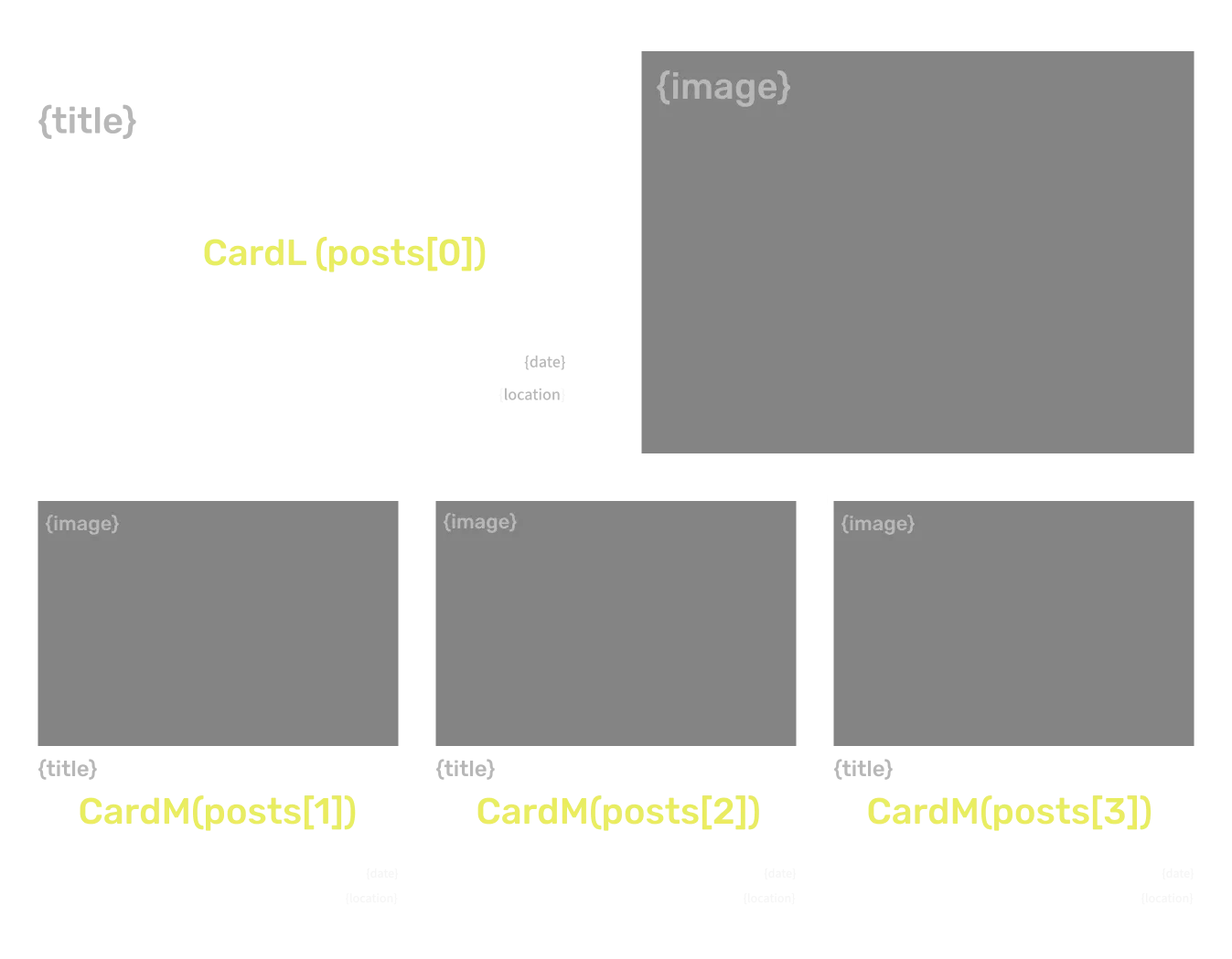
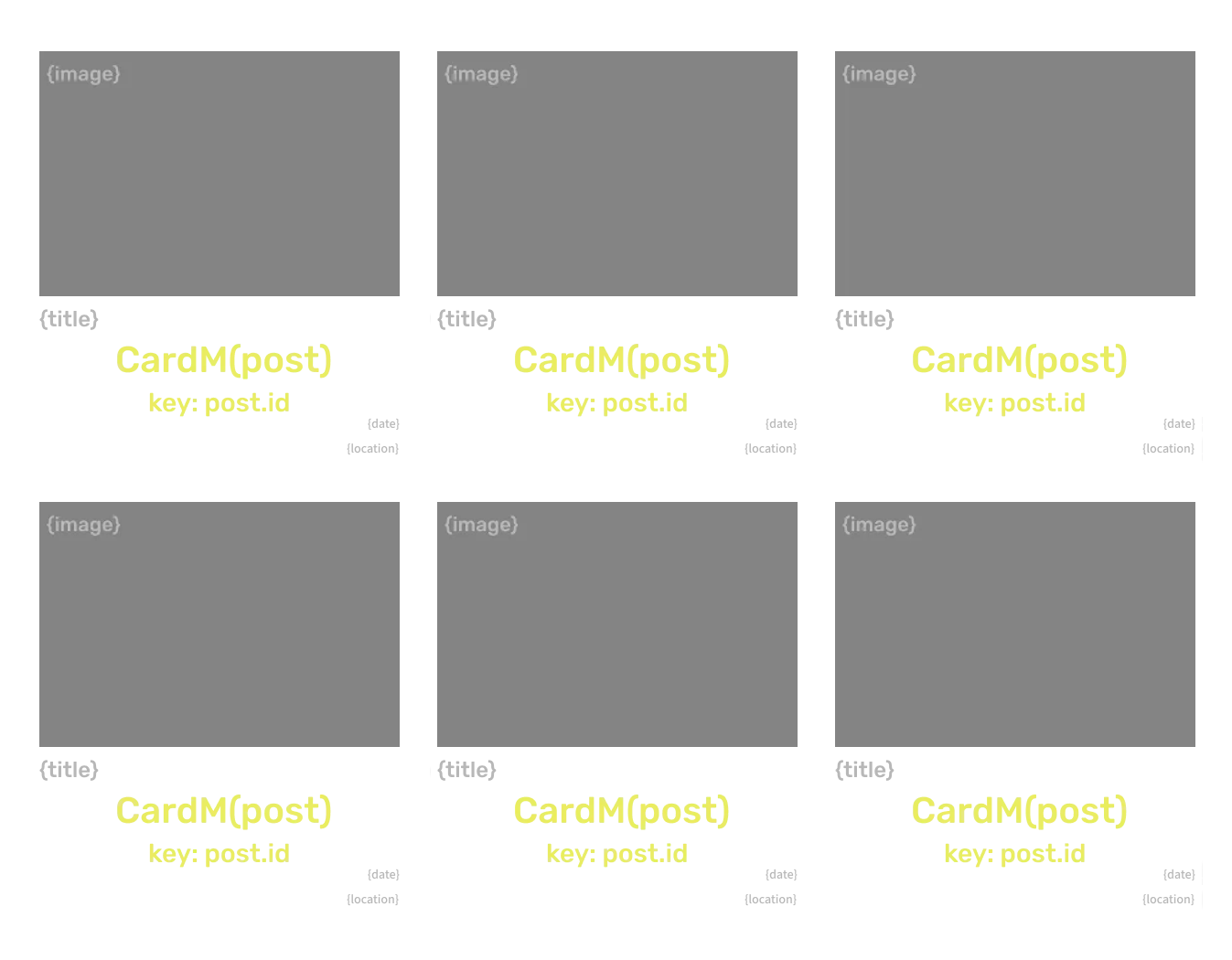
On the blog page, filtered post data is mapped into card components to dynamically generate the article list.
{filteredPosts.map((post) => (
  <CardM key={post.id} posts={post} />
))}
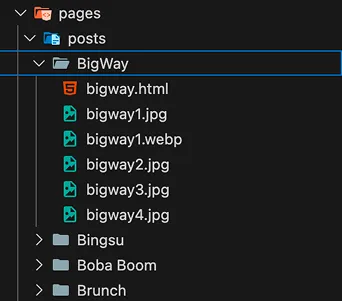
Previous Problem:In the MVP, each article was managed as a separate page, making the structure difficult to scale as content grew.
Solution:I implemented Next.js Dynamic Routing using the /blog/[slug] route structure, allowing pages to be generated from a single shared template.
// Static pages (MVP)          // Dynamic routing
pages/                          app/
  └── posts/                     └── blog/
      ├── post-1/                    └── [slug]/
      │     └── index.html             └── page.tsx
      ├── post-2/
      │     └── index.html
      ├── post-3/
      │     └── index.html
      .
      .
. Result:By fetching content based on the slug, new articles can be added without creating new pages, improving scalability and maintainability.
Through this project, I started from the fundamentals of JavaScript and continuously explored better ways to build features. I iterated through researching, experimenting, and refining my approach, and found the process of trial and error itself both engaging and rewarding as my understanding gradually deepened.
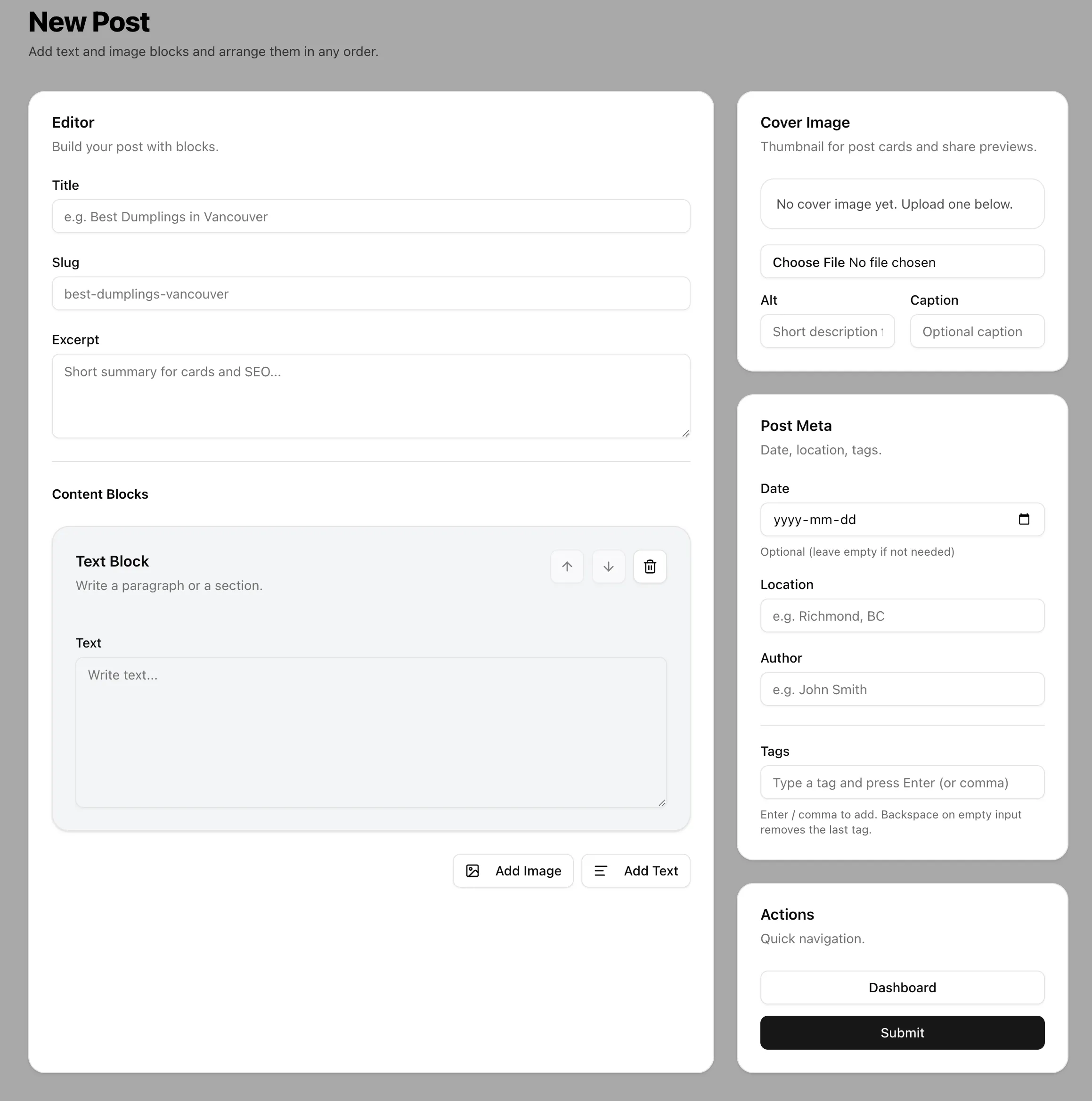
I also experimented with building admin and CMS-like features using AI. However, this experience made me realize that being able to implement functionality is not the same as fully understanding the underlying architecture. In parts of the CMS, multiple features ended up being combined into a single component, which made the structure harder to maintain and scale. This highlighted the importance of component design and separation of concerns.
Moving forward, I aim to deepen my understanding of architecture while using AI more intentionally, with the goal of building more scalable and maintainable systems.